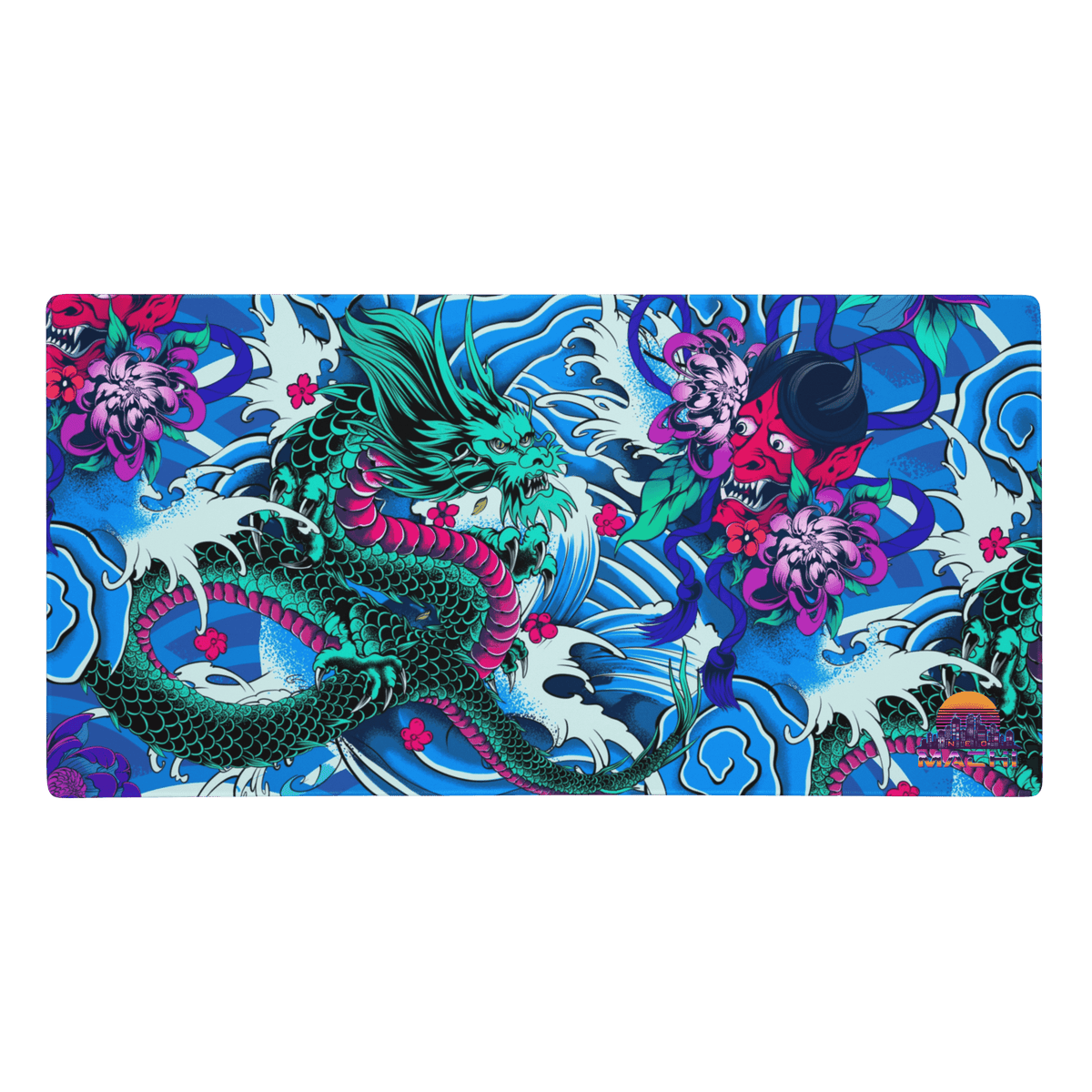
A good cyberpunk gaming setup isn't about spending a fortune on RGB. It comes down to three things: a tight colour palette (one cold neon, one warm neon, lots of black), light that comes from behind and below rather than from above, and one or two pieces with real character, like a big art desk mat, a print on the wall or a hoodie draped over the chair. Get those right and a plain desk starts to look like a Night City apartment. Below are nine ideas, roughly in the order we'd tackle them, plus what to wear when the camera's on.

What makes a gaming setup look cyberpunk?
Cyberpunk visuals come from films and games like Blade Runner, Ghost in the Shell and Cyberpunk 2077: dark rooms, rain-streaked glass, signs glowing in magenta and cyan, and a mix of high-tech hardware with worn, lived-in clutter. If you've watched Cyberpunk: Edgerunners on Netflix, you've seen the look. Your setup doesn't need all of it. Pick a few signals and repeat them:
- Darkness as the base. Black desk, black or dark-grey walls (or at least a dark backdrop behind the monitor).
- Two neon accents, not seven. Cyan + magenta is the classic pair; acid green + purple or red + teal also work.
- A human, slightly analogue layer. Art, kanji, stickers, cables you've chosen to show off. This is what separates "cyberpunk" from "showroom gaming PC".
For more on why the black-plus-neon palette works (in a room or an outfit), see our cyberpunk colour palette guide.
9 cyberpunk gaming setup ideas
1. Lock your palette before you buy anything
Most "cyberpunk" desks that look off have too many colours fighting each other. Choose your two neons and set every light, sticker and accessory to match. If your keyboard, mouse and case all have their own RGB software, spend ten minutes syncing them to the same two colours. It's free and it makes the biggest difference.
2. Light from behind and below, never from the ceiling
Switch off the main ceiling light. Put an LED strip behind the monitor (bias lighting is easier on the eyes too), another under the desk edge, and maybe a light bar or lamp aimed at the wall. Light bouncing off a dark wall gives that glowing-sign-in-an-alley feel. Keep brightness lower than you think: cyberpunk is moody, not a nightclub.
3. Make the desk mat the centrepiece
The desk mat is the biggest flat surface in your setup and it's right under the camera, so treat it like art rather than a grey rectangle. Our cyberpunk gaming mouse pads are large, with stitched edges and a non-slip base, and each carries an illustrated Japanese design. TATAKAI puts a Hannya mask face to face with a dragon (very good on a red-and-black desk), while ONMYO shows a mechanical koi and a living koi forming a yin-yang: a nice nod to the "machine meets human" idea at the heart of cyberpunk.

4. Add Japanese text and symbols
Kanji and katakana are all over cyberpunk cities, from Blade Runner's billboards to Night City's Japantown. A neon sign, a framed print or a sticker sheet with Japanese text adds instant atmosphere, but check what it says first. Our guide to Japanese symbols and their meanings covers the koi, oni, kitsune and other motifs you'll see in this kind of art, and the irezumi guide explains the tattoo-style imagery on several of our designs.
5. Go dark on the hardware
A black or smoked-glass case, a dark keyboard with clear or translucent keycaps, and a black monitor arm keep the base neutral so your two neons do the talking. A floating monitor arm also frees up desk space for the mat and makes the setup look more "command deck".
6. Show cables on purpose (or hide them completely)
There are two ways to do this. Clean: hide everything in a cable tray under the desk. Gritty: let one or two coiled or braided cables show deliberately, like exposed wiring in a back-alley ripperdoc clinic. What doesn't work is the middle ground of random tangles.
7. Put something on the wall
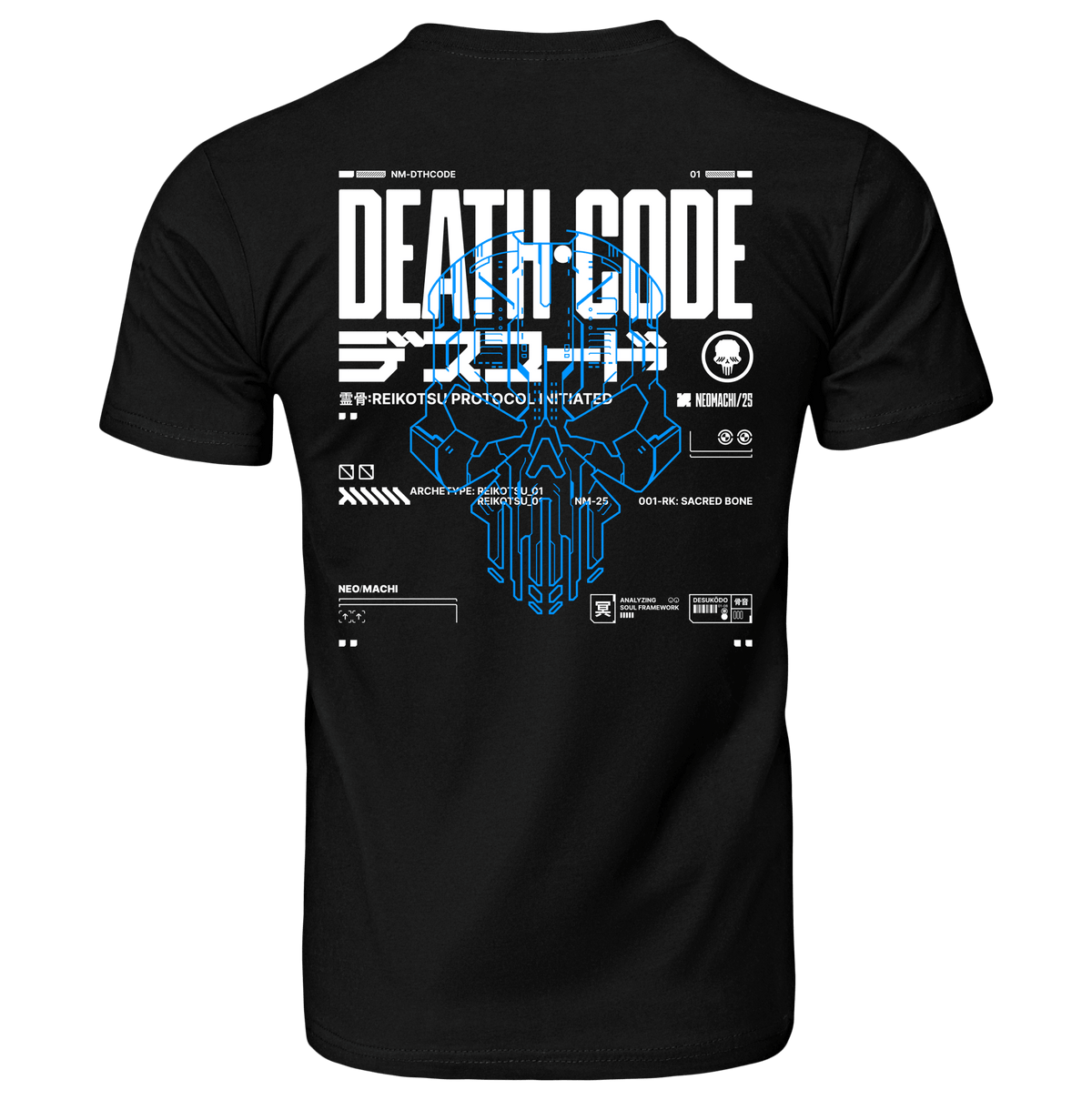
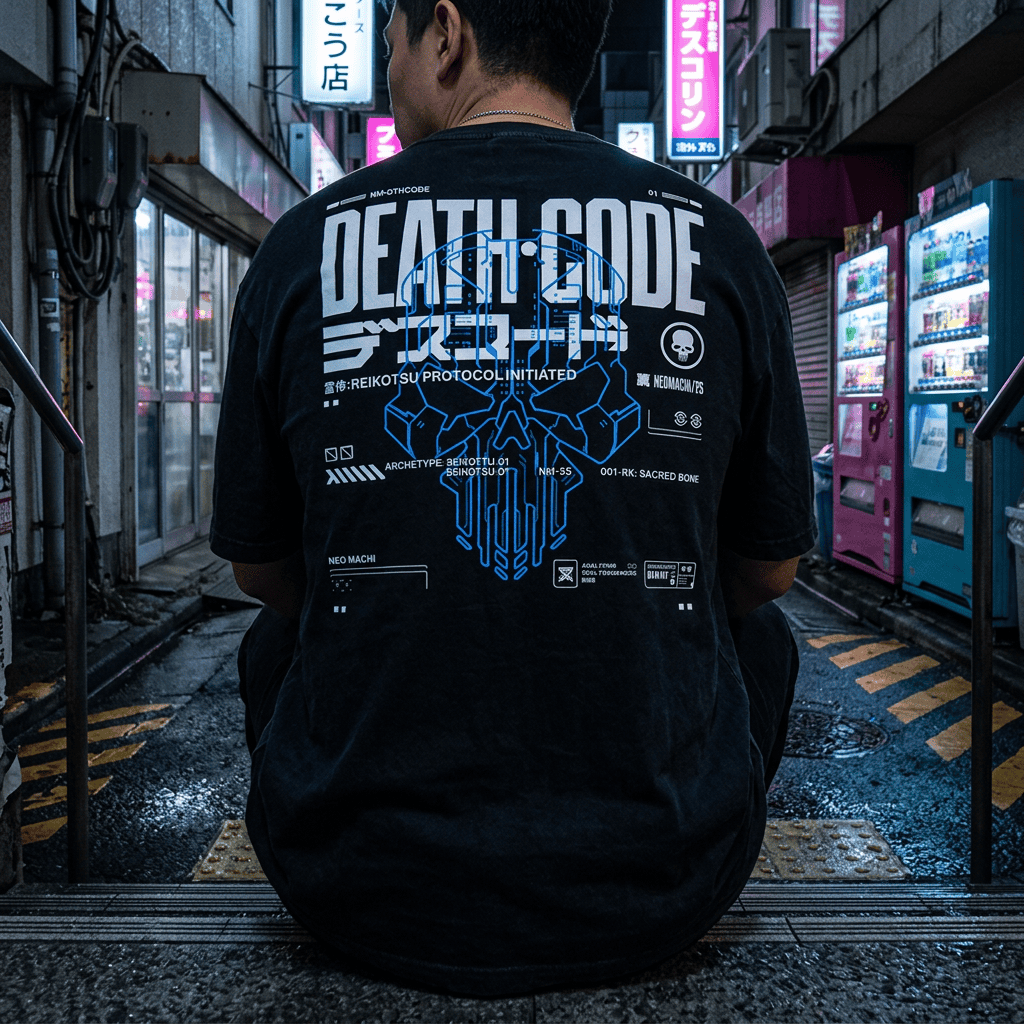
A blank wall behind you is a waste of a background, especially if you stream or take setup photos. Art prints, a city skyline poster, a pegboard with headphones and controllers, or even a hoodie with a big back print hung on the wall like a tapestry all work. Big back graphics such as SYSTEM 7, designed like a classified machine dossier, look surprisingly good displayed this way.
8. Bring in one "found" object
Cyberpunk is about tech that's been lived with. An old handheld console, a vintage calculator, a little plant growing under a grow light, a ramen cup stacked with pens: one personal, imperfect object stops the desk looking like an advert.
9. Mind the chair (and what's on it)
Your chair is in every shot. A black chair with no loud branding blends in best. Then drape a hoodie over the back. It's practical for cold rooms and it looks good on camera.
What to wear with your cyberpunk gaming setup
If you stream, make videos or just like a good setup photo, your outfit is part of the picture. You also spend hours sitting in it, so comfort comes first. A few rules of thumb:
- Black base, one graphic. A black hoodie with a strong print reads clearly on webcam. Tiny all-over patterns can flicker on camera.
- Match your lighting. If your desk glows cyan and magenta, a hoodie with a cyan or pink print ties you into the scene.
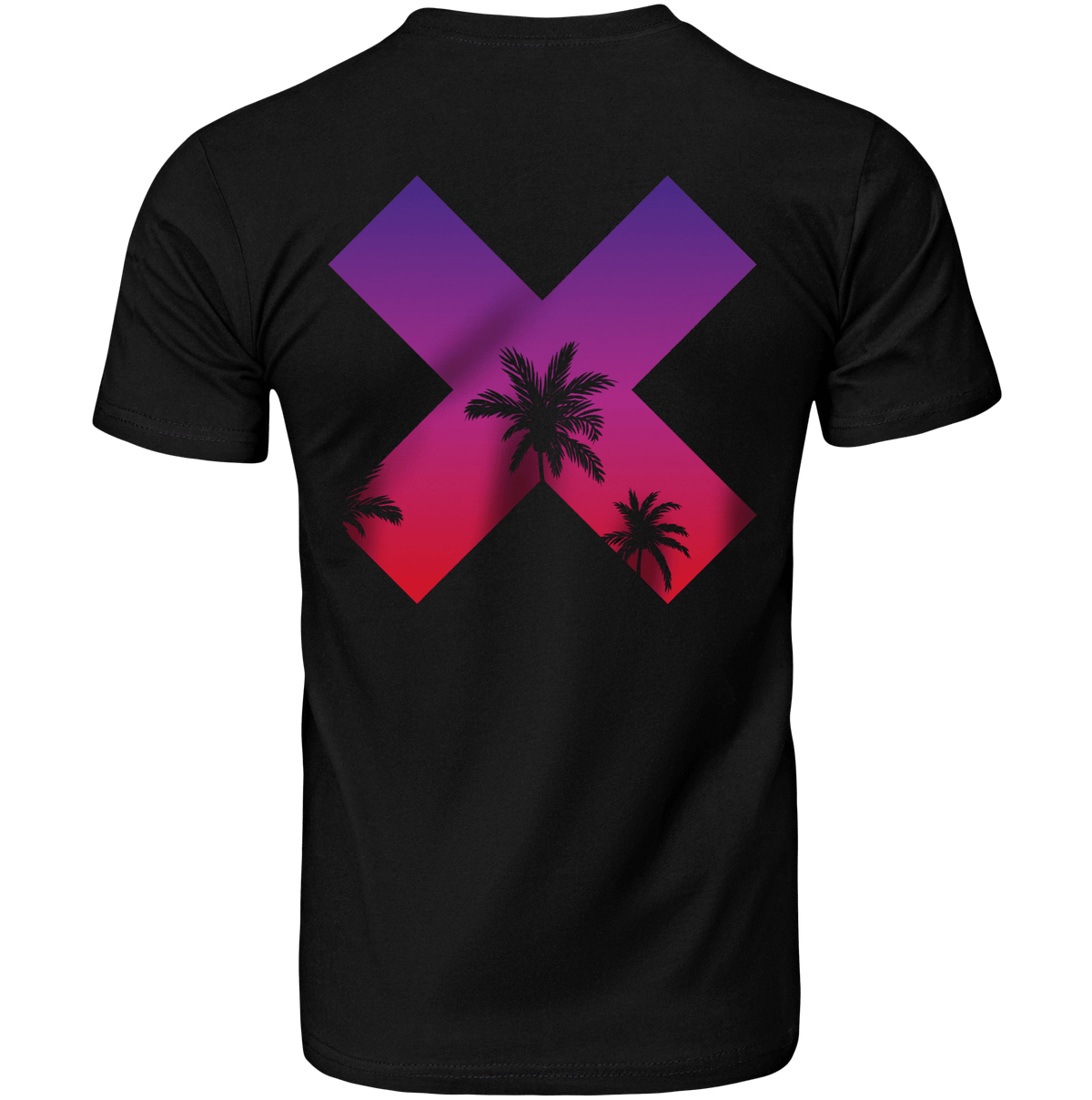
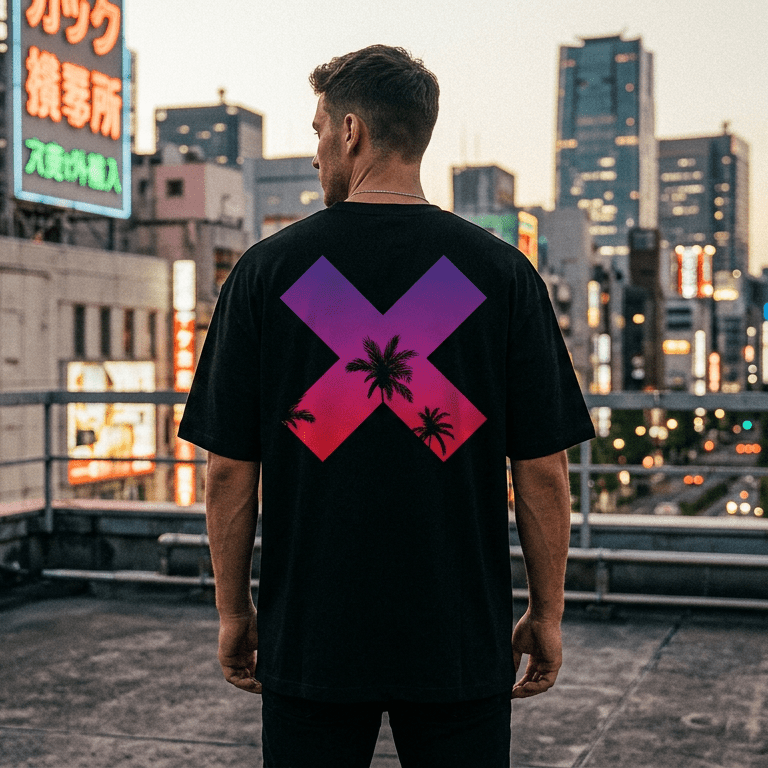
- Front print for the camera, back print for the photos. On stream people mainly see your chest and sleeves; setup shots from behind show the back. Designs with both, like EVO or the DKMIxNM hoodie (our collab with DoKomi, the anime and gaming convention), cover both angles.
- Zip for long sessions. A zip hoodie is easier when the room warms up mid-raid.

Our hoodies are B&C Inspire Hooded: 280 GSM fleece in 80% organic cotton and 20% recycled polyester, so they're warm enough for a cold gaming room without being heavy. They're true to size and on the slim side, so size up if you want a baggier, cosier fit (our hoodie fit guide has the details). Browse the full range in cyberpunk hoodies. Plenty of people keep two: one for setup photos and one for actual sweaty gaming.

Want more outfit ideas for gamers? Try how your favourite game genres influence style, streetwear outfits for gamers and creators and our wider cyberpunk clothing guide. And if you're shopping for someone else's battlestation, here's our gift guide for gamers.
A simple cyberpunk setup on a budget
If you only do three things this weekend:
- Turn off the ceiling light and add one LED strip behind the monitor in your accent colour.
- Swap your plain mouse pad for a big art desk mat.
- Sync every RGB device to the same two colours.
That's most of the effect for very little money. Everything else (wall art, cable work, the found object) can come over time.
FAQ
What colours are best for a cyberpunk gaming setup?
Black or very dark grey as the base, plus two neon accents. Cyan and magenta is the classic Night City pair; acid green with purple, or red with teal, also work. Avoid running every RGB rainbow effect at once.
How do I make my gaming room look cyberpunk without spending much?
Lighting does most of the work. Turn off overhead lights, add an LED strip behind your monitor and under the desk, and choose one strong piece of art, such as a big illustrated desk mat or a print on the wall.
Do I need RGB peripherals for a cyberpunk setup?
No. A dark keyboard and mouse with ambient LED strips around them often looks more cyberpunk than a desk full of rainbow RGB. If you do have RGB gear, sync it all to your two accent colours.
What should I wear for streaming in a cyberpunk setup?
A black hoodie with one bold graphic that matches your lighting colours reads well on webcam and stays comfortable for long sessions. Avoid tiny busy patterns, which can shimmer on camera.
Do you ship NeoMachi mouse pads and hoodies to the UK and EU?
Yes. We ship worldwide, including the UK and EU. Delivery usually takes 4 to 12 business days depending on where you live, and you have 30 days to return anything that isn't right.